


Odoo Implementation Guide: A Practical Step-by-Step Approach
By Vikas Saroj, ERP, Digital Transformation & Growth Consultant
Key takeaways
- A good Odoo implementation runs real processes through standard Odoo first and customizes only where the business genuinely needs it, because custom code adds cost at every upgrade.
- Choose the Odoo edition and hosting early: Odoo Online does not accept custom code modules, while Odoo.sh and self-hosting do, so the wrong choice wastes design effort.
- Run fit-gap on a working prototype with realistic data, classifying each requirement as standard, process change, Studio or light change, or custom module, and challenge every custom item.
- Configure Odoo in dependency order and settle product categories and inventory valuation carefully, since they drive how stock moves post to accounting and are painful to change later.
- Build custom modules that inherit from standard models rather than editing core code, keep them in version control with tests, and vet third-party modules before installing them.
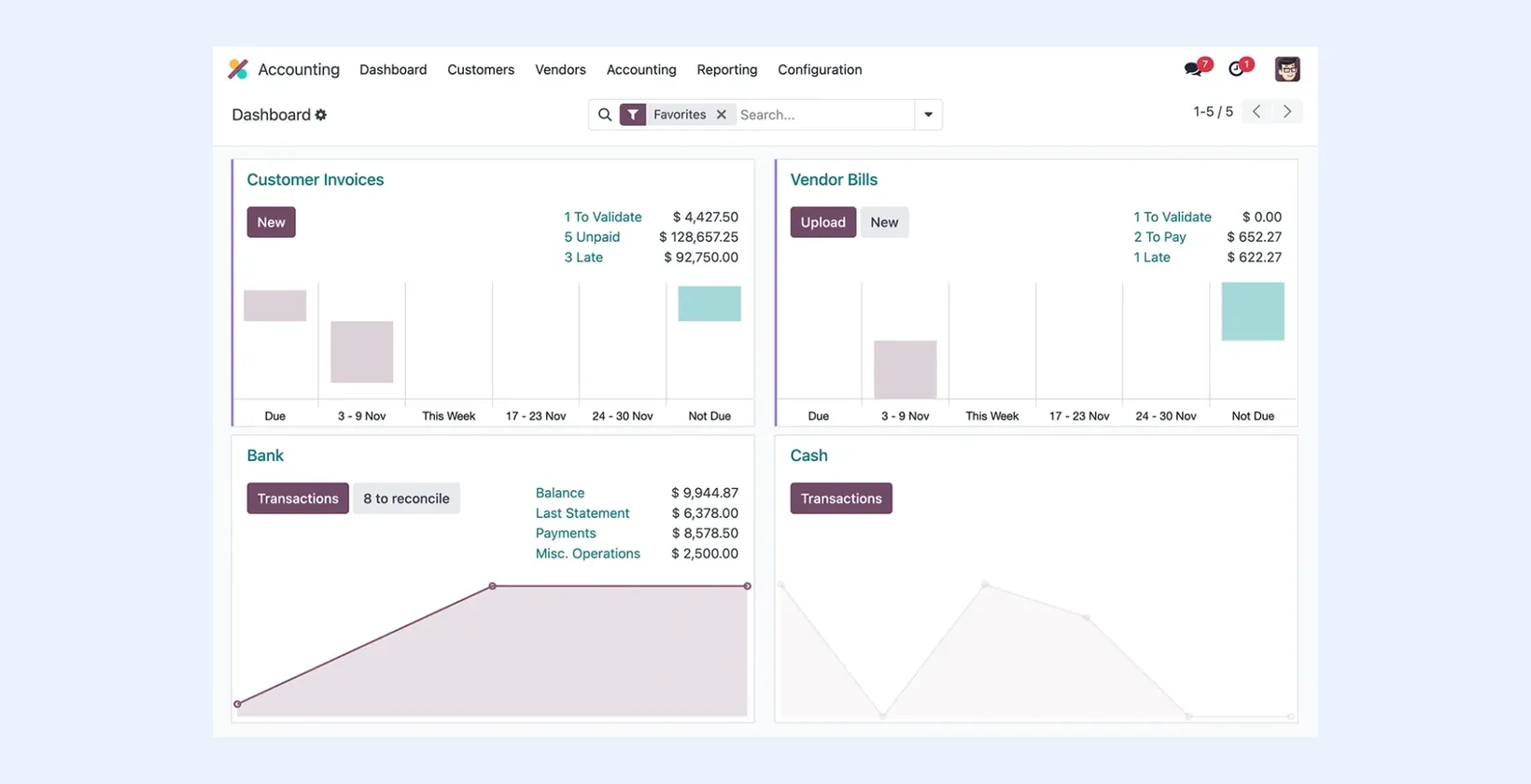
A good Odoo implementation follows a simple principle: run your real processes through standard Odoo first, and customize only where the business genuinely needs it. In practice that means choosing the right edition and hosting, mapping processes to modules, configuring and prototyping with real data, closing gaps in a disciplined way, migrating clean data, and going live in controlled phases. This guide walks through each step and the decisions behind it.
Odoo is flexible enough that almost any requirement can be built. That is exactly why projects go wrong: heavy custom code is easy to commission and expensive to carry through every future upgrade.
Before you start: team and governance
Odoo projects succeed or fail on people more than software. Before any configuration, put a small structure in place:
- Executive sponsor: someone senior who can settle disputes between departments and protect the scope.
- Project lead on the business side who knows the operations and has time allocated to the project.
- Key users for each area, such as sales, purchasing, warehouse and finance, who take part in workshops, test scenarios and later train colleagues.
- Implementation team: functional consultant, developer if needed, and whoever will administer the system afterward.
Agree on a decision log and a change-control rule early. New requests will keep coming, and without a simple way to park them for a later phase, go-live slips.
Step 1: Discovery and process mapping
Start by documenting how the business actually works today and how it should work tomorrow. For an Odoo project I typically map:
- Order to cash: quotation, sales order, delivery, invoicing, payment, credit control.
- Procure to pay: purchase requests, RFQs, purchase orders, receipts, vendor bills, payments.
- Inventory: warehouses, locations, routes, valuation method, lots and serial numbers.
- Manufacturing if relevant: bills of materials, work centers, routings, subcontracting, quality checks.
- Finance: chart of accounts, taxes, multi-company and multi-currency needs, reporting.
- Everything else: projects, timesheets, HR, field service, eCommerce, point of sale.
The output is a set of process maps and a prioritized requirements list. My ERP requirements checklist is a useful starting template.
Step 2: Choose edition and hosting
These two choices affect cost, features, and how you can customize.
| Option | What it means | Best for |
|---|---|---|
| Odoo Community | Open-source edition without Enterprise-only features such as Studio and full accounting | Businesses with developer support and simpler finance needs |
| Odoo Enterprise | Subscription edition with additional apps, Studio, full accounting and vendor support | Most mid-sized businesses that rely on Odoo for finance |
| Odoo Online | Fully hosted SaaS managed by Odoo; no custom code modules | Teams staying close to standard with Studio-level changes only |
| Odoo.sh | Managed cloud platform with Git-based development, staging and production branches | Enterprise customers who need custom modules without running servers |
| Self-hosted | Your own servers or private cloud; full control | Organizations with IT capability, data residency needs, or Community edition |
Decide this early. Moving from Odoo Online to Odoo.sh later is possible, but designing around the wrong constraints wastes effort.
Step 3: Fit-gap analysis with a working prototype
Do not run fit-gap on paper. Set up a test database with the relevant modules, load a small but realistic set of products, customers, vendors and opening stock, and walk key users through their real scenarios. For each requirement, record one of four outcomes:
- Standard: Odoo handles it with configuration.
- Process change: the business adapts to the standard flow, often for the better.
- Studio or light change: a field, view, report or automated action.
- Custom module: genuine development, with a written specification.
Challenge every item in category four. Ask what it costs to maintain across upgrades and whether a process change would remove the need. The custom items that survive should be the ones that support how you compete.
Step 4: Configuration
Configure in a sensible order, because many settings depend on others:
- Companies, currencies, fiscal localization, chart of accounts and taxes.
- Users, access groups and multi-company rules.
- Warehouses, locations, routes and inventory valuation.
- Product categories, units of measure, product types and pricelists.
- Sales, purchasing and manufacturing settings.
- Document templates: quotations, invoices, delivery slips, purchase orders.
- Automated actions, approval rules and scheduled activities.
Pay special attention to product categories and inventory valuation. They drive how stock moves post to accounting, and changing them after transactions exist is painful.
Step 5: Development, done carefully
When custom modules are justified, keep them maintainable:
- Build each customization as a separate module that inherits from standard models and views rather than editing core code.
- Keep modules in version control with clear names and documentation.
- Write automated tests for business-critical logic.
- Prefer extending standard flows over replacing them, so future Odoo improvements still reach you.
- Vet third-party modules for code quality, maintenance history and compatibility before installing them.
Integrations
Few Odoo systems run alone. Common connections include eCommerce platforms, payment gateways, bank feeds, shipping carriers, e-invoicing or tax portals, and a separate CRM or BI tool. For each one, define which system owns which data, how often it syncs, and how errors are reported and fixed. Odoo's external API supports most integration patterns, and middleware can help when several systems are involved. More on this in my system integration work.
Step 6: Data migration
Typical migration scope for Odoo includes:
- Master data: customers, vendors, products, bills of materials, chart of accounts, employees.
- Open transactions: open sales and purchase orders, unpaid invoices and bills.
- Balances: opening trial balance, stock quantities and values by location, lot or serial.
- History: usually summarized or archived elsewhere rather than fully migrated.
Use Odoo's import tools or scripted imports through the external API, and run at least two full trial migrations with reconciliation before the real one. My ERP migration checklist covers the reconciliation steps in detail.
Step 7: Testing and training
Test in layers:
- Unit and module testing of each customization.
- End-to-end scenario testing: a sales order through delivery, invoice and payment; a purchase through receipt, bill and payment; a production order through consumption and finished goods.
- User acceptance testing by key users with their own scenarios and sign-off.
- Accounting checks: confirm that stock moves, invoices and payments post to the expected accounts.
Train by role and use the company's own data. Short, task-based guides for daily operations work better than long manuals.
Step 8: Go-live and stabilization
Choose a cutover date that suits the business, often the start of a month or financial period. Freeze master data changes in the old system, run the final migration, reconcile, and switch. Plan for a period of close support afterward: daily check-ins at first, a clear way to report issues, and a fast fix-and-release process. Odoo.sh staging branches are useful here for testing fixes before they reach production.
After stabilization: measure and improve
Once the system is stable, go back to the items you parked during the project. Review which reports people actually use, where users still keep side spreadsheets, and which manual steps could now be automated. Those spreadsheets are the clearest sign of a remaining gap. Plan improvements in small releases, and keep an eye on the Odoo version roadmap so upgrades are planned rather than forced.
Common Odoo implementation mistakes
- Recreating the old system's screens and workflows instead of adopting Odoo's.
- Installing many third-party modules without checking quality or upgrade support.
- Changing inventory valuation or product categories after go-live.
- Choosing Odoo Online and later discovering a must-have custom module.
- No internal owner trained to administer the system.
Next steps
If you are planning an Odoo project, or rescuing one that has drifted, I can help with fit-gap analysis, solution design, configuration, migration and go-live. See my Odoo consulting service, or get in touch.
Frequently Asked Questions
Should we use Odoo Online, Odoo.sh or self-hosting?
Odoo Online suits businesses staying close to standard with only Studio-level changes. Odoo.sh suits Enterprise customers who need custom modules without managing servers. Self-hosting suits organizations with IT capability, data residency requirements, or those using Community edition.
How much customization is normal in an Odoo project?
There is no fixed amount, but every custom module adds testing and upgrade effort. Aim to configure first, accept process changes where standard Odoo is good enough, and reserve custom development for processes that differentiate the business.
Can we migrate historical transactions into Odoo?
It is possible but rarely worthwhile in full. Most projects migrate master data, open transactions and opening balances, and keep detailed history in the old system or an archive for reference and reporting.
What is a fit-gap analysis in Odoo?
It compares your requirements against standard Odoo functionality, ideally using a working prototype, and classifies each item as standard, process change, light configuration, or custom development.

Written by Vikas Saroj
Independent ERP, digital transformation & growth consultant helping businesses map processes, implement Zoho, Odoo and ERPNext, automate operations and grow online. · LinkedIn
 Insights


